TIP TIG
Control Panel
A complete reference for the TIP TIG control panel interface. Learn about each display, button, and setting on your unit.
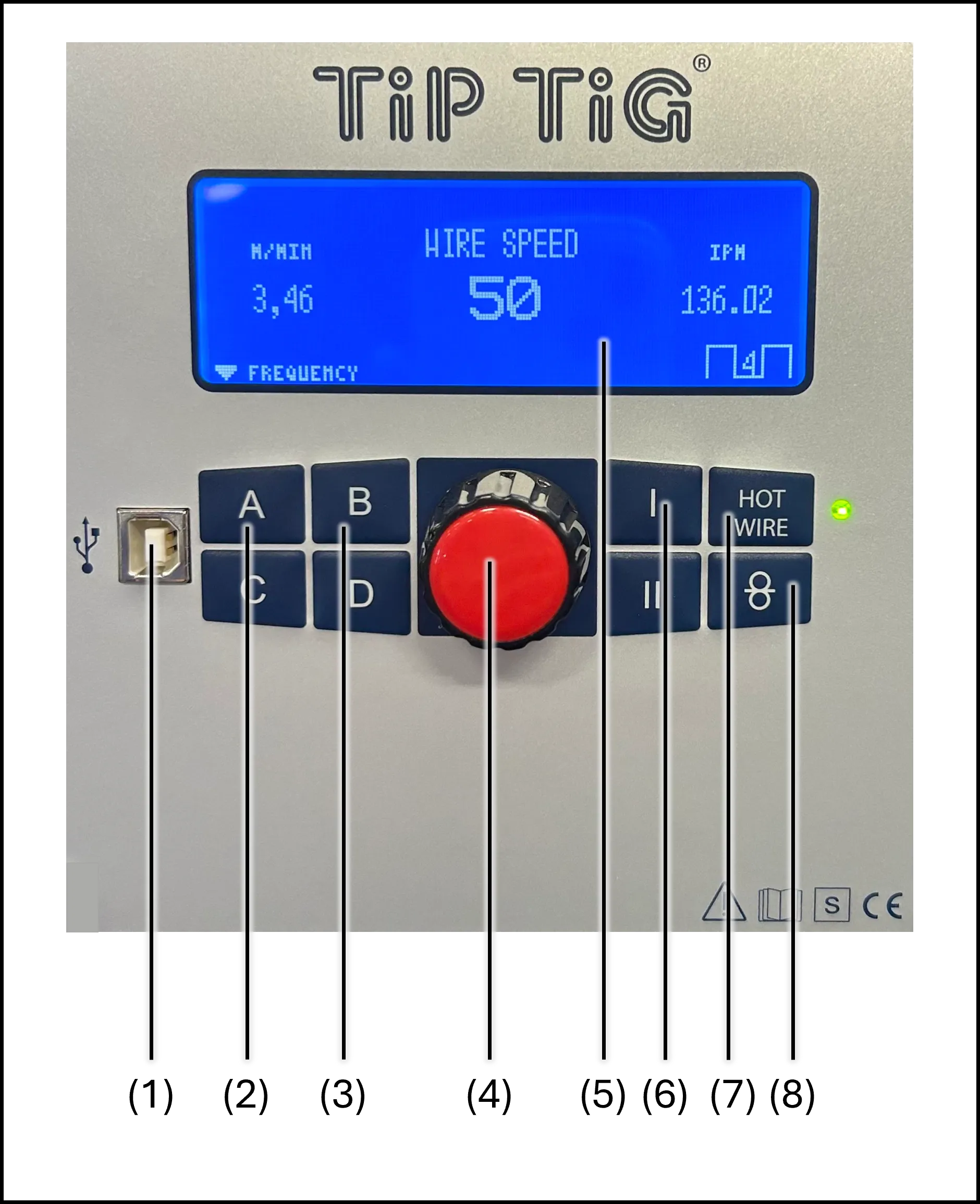
Wire Speed Display
The main screen for setting and monitoring the wire feed speed.
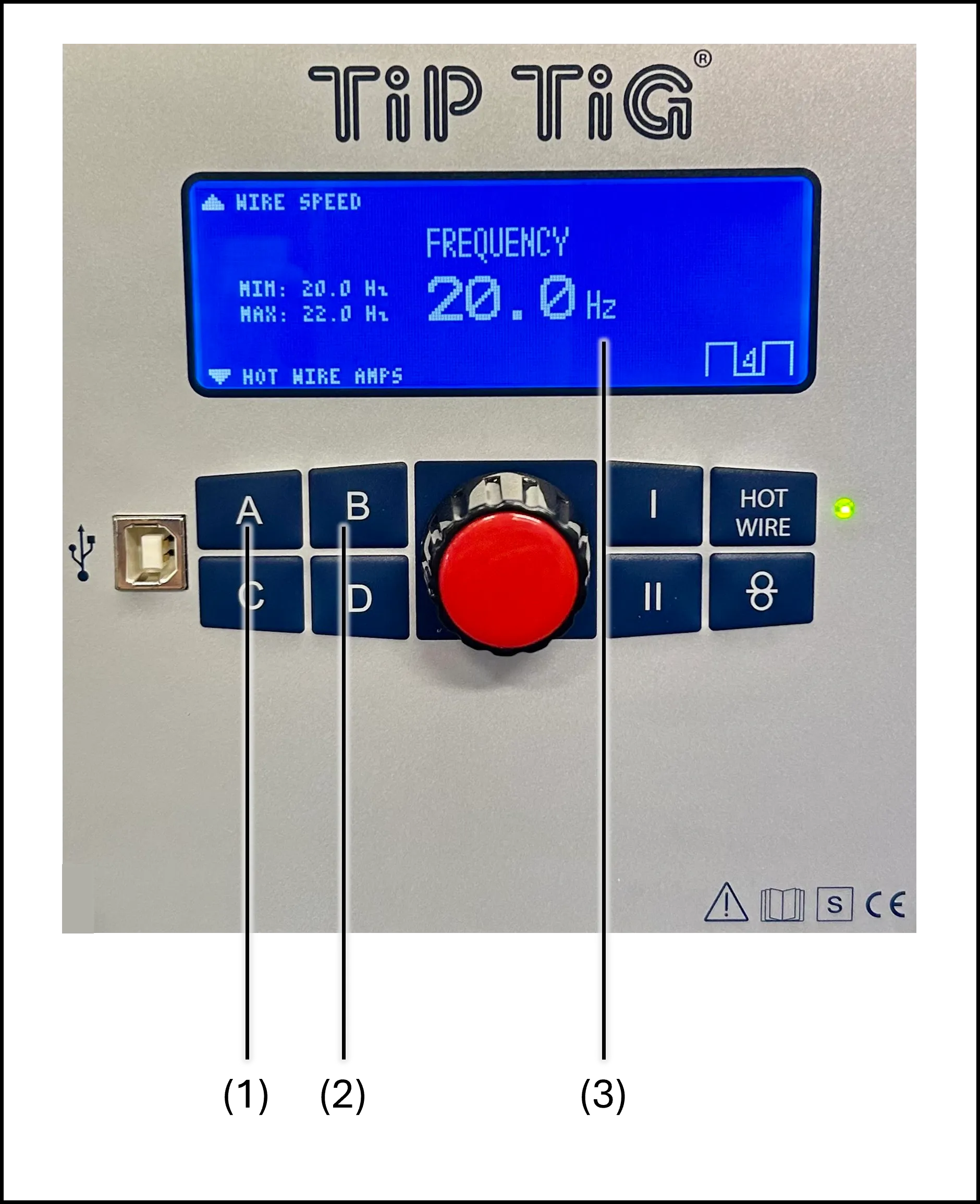
Frequency Control
The frequency screen controls the wire oscillation rate. Higher frequency produces finer ripples in the weld bead; lower frequency increases penetration.
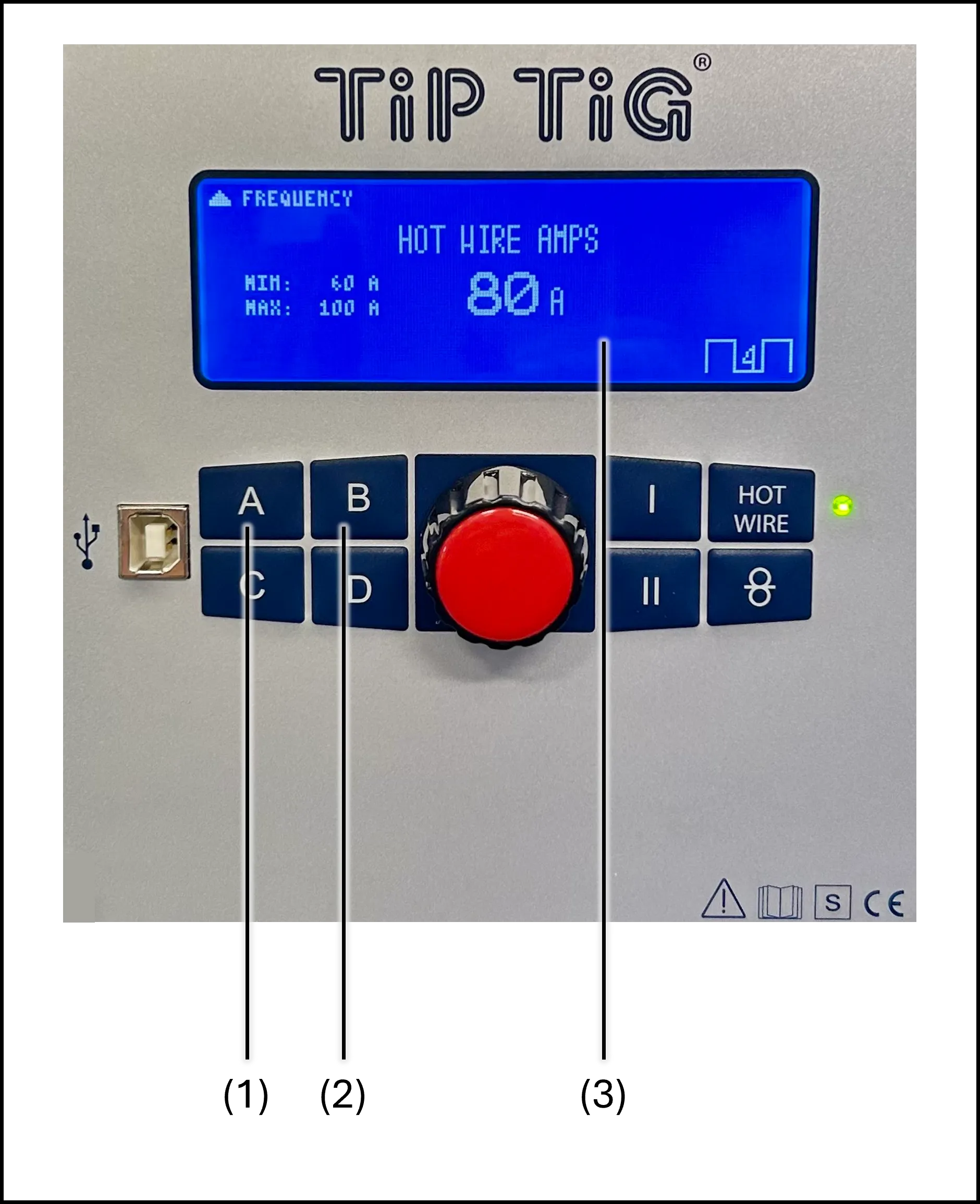
Hot Wire Amps
The hot wire screen controls the preheating current applied to the filler wire. Proper hot wire settings improve wetting and reduce the heat input into the base material.
Firmware updates may change device functions. Actual panel appearance and operation may differ slightly from the illustrations shown here. Always refer to your owner's manual for the most current information.